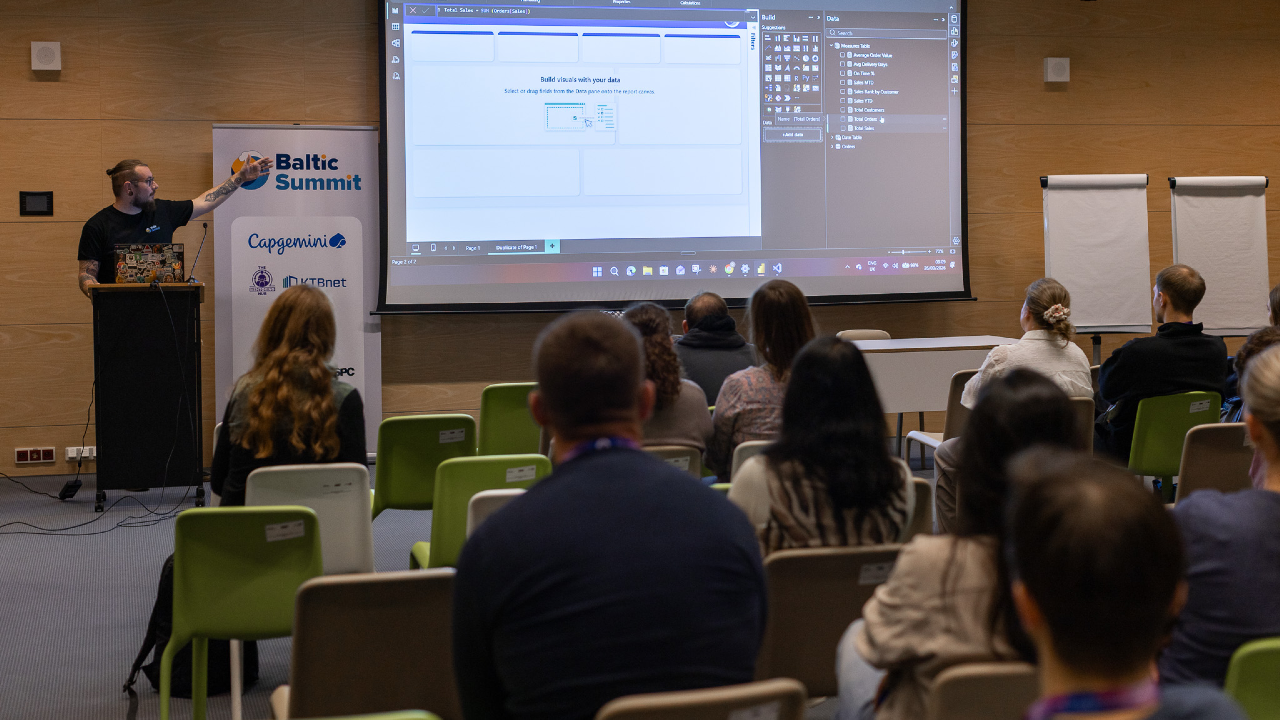
Power BI Consultant / AI Strategist
United Kingdom

Session Abstract
AI isn’t here to replace Power BI developers, it’s here to make us dangerously efficient. And while everyone is talking about Copilot, the reality is that ChatGPT, Claude, Grok, and even Gemini can massively accelerate modelling, DAX writing, documentation, design, debugging, and stakeholder communication. This session is a hands-on, example-packed tour of AI workflows that Power BI people can use today. I’ll show the prompts I genuinely rely on: generating DAX variations, validating logic, rewriting gnarly measures, designing report layouts, creating SVG wireframes, summarising datasets, explaining model choices, generating test data, accelerating requirements workshops, and even turning stakeholder rambling into structured acceptance criteria. This is not hype. This is not “AI will change everything.” This is the actual prompt pack that saves hours, improves quality, and makes you feel like you have a junior developer, a documentation assistant, and a design coach sitting next to you, without the HR paperwork. Key Takeaways Practical AI workflows to supercharge modelling, DAX, and design. When to trust AI — and when not to. The exact prompts you can steal and use immediately. How to blend AI + Power BI + Fabric for faster delivery and clearer insights.
Duncan Boyne
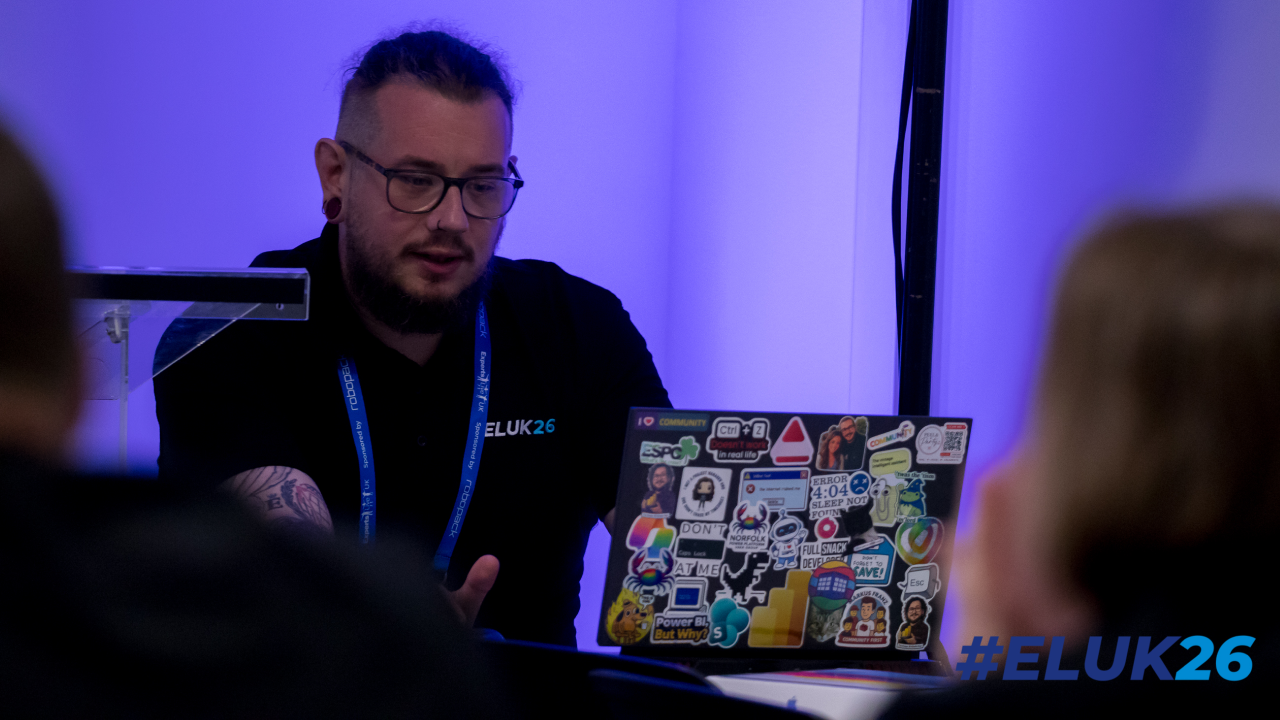
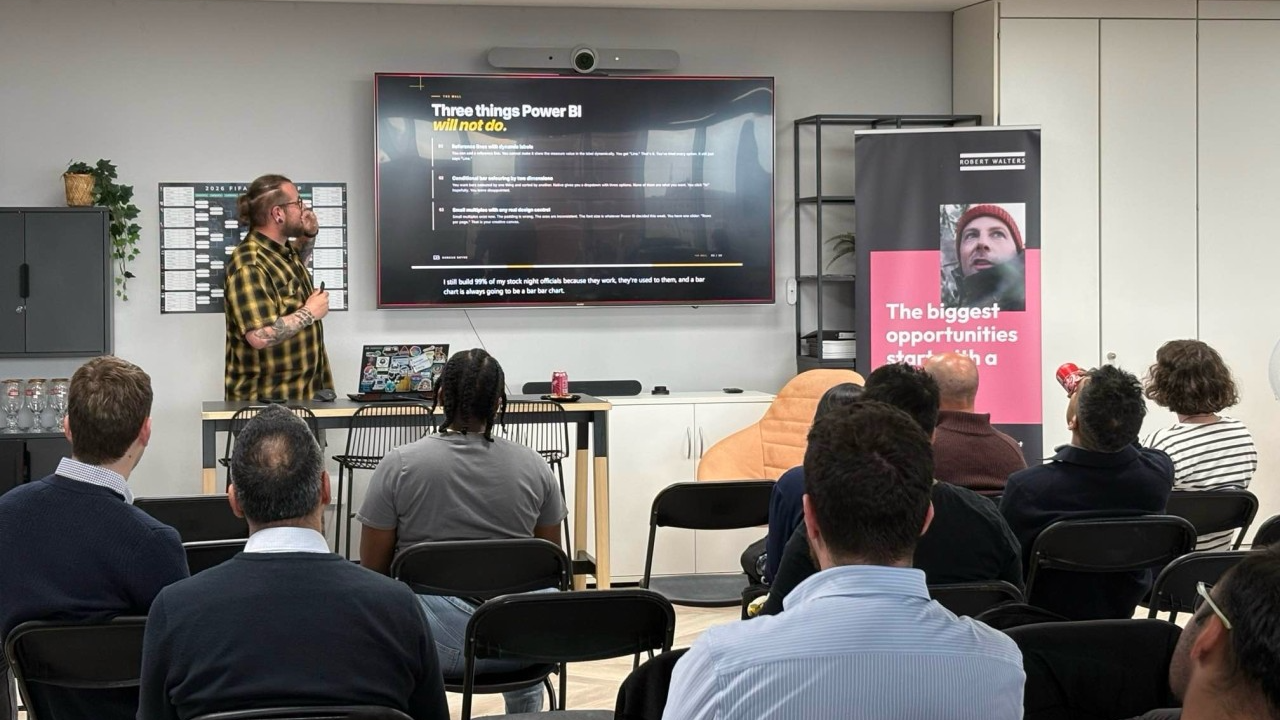
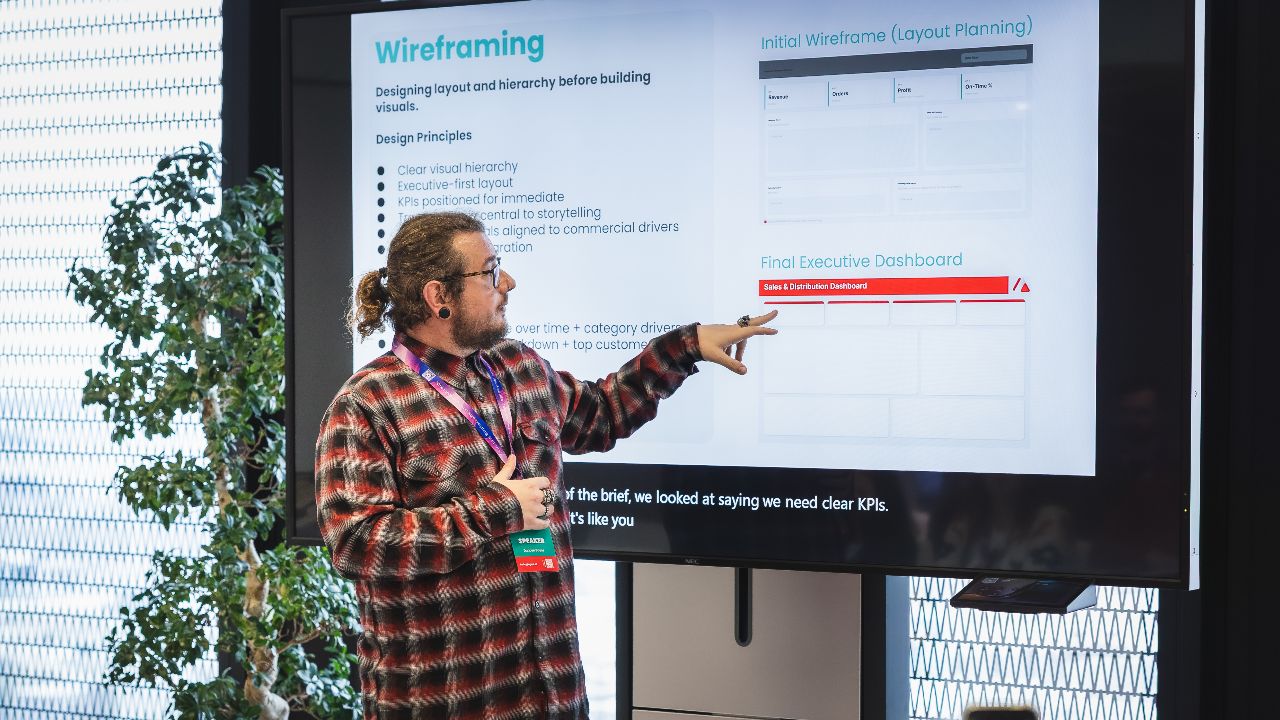
I’m a Power BI and Power Platform consultant with a background in turning messy, real-world data into something people actually want to use. I spend most of my time working with Power BI, Dataverse, Power Apps, and Power Automate, helping organisations move from “we have data” to “we trust our data”. I’m particularly interested in report design, semantic models, governance, and making complex concepts feel simple. Outside of client work, I’m heavily involved in the Power Platform community. I run the Norfolk Power Platform User Group, help organise regional events, and regularly speak at user groups and conferences across the UK. My sessions are practical, honest, and based on lessons learned the hard way, with a focus on things you can apply the next day.
Duncan can deliver sessions in
Duncan speaks about
Relevant industries
Connect with Duncan