.
Netherlands

Session Abstract
Microsoft Loop brings a flexible new way of working in Microsoft 365, with workspaces, pages, and components that move across Teams, Outlook, and more. But how do you manage it all? Discover how to take full control of Microsoft Loop in your organization. In this session, we’ll unpack the governance and administration capabilities that keep your environment secure and compliant. Learn how Copilot Pages are stored and protected, how Loop workspaces behave with and without Microsoft 365 Groups, and what truly happens under the hood when users share Loop components across apps and services. You’ll leave with the technical insights needed to manage Loop with confidence and ensure collaboration stays both productive and compliant. What will you learn by attending my session? Understand how Microsoft Loop stores and secures Copilot Pages and components Learn the governance differences between standalone and group-connected Loop workspaces Gain clarity on sharing behaviors, permissions, and compliance implications Explore best practices for managing Loop within existing Microsoft 365 governance frameworks If you're responsible for compliance, data protection, or tenant governance, this session will give you practical insights into how Loop fits into your existing setup and how to stay in control as adoption grows.
Edine Olijve-Watkinson
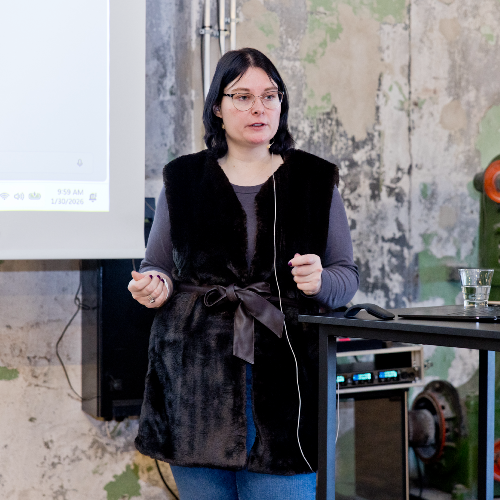
Edine Olijve is a Microsoft MVP recognized for her work with Microsoft 365 Copilot and Microsoft Loop. As a Modern Work Consultant she helps organizations adopt AI responsibly through governance, user readiness, and secure collaboration
Edine can deliver sessions in
Edine speaks about
Connect with Edine