Senior Consultant
Netherlands
Upcoming Speaking Engagements
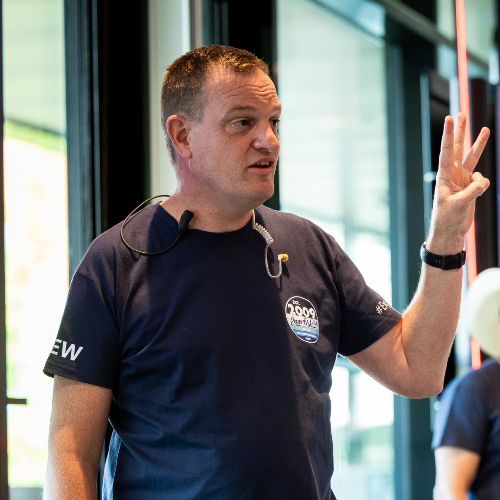
Jeroen Burgerhout is a Microsoft MVP in Intune and Identity & Access and a Microsoft Certified Trainer (MCT), specializing in Microsoft Intune, Entra ID, Microsoft 365, and modern Windows management. With more than 25 years of experience working with Microsoft technologies, Jeroen helps organizations design secure, scalable, and easy-to-manage Modern Workplace environments. His focus areas include device management, identity security, Conditional Access, Windows Autopilot, and integrating security capabilities across Microsoft 365. Jeroen is a frequent speaker at international conferences and community events, where he shares practical insights, real-world lessons learned, and best practices that IT professionals can apply immediately. He is also the author of the Microsoft Exam MD-100 Windows 10 Certification Guide (Packt). Known for clear explanations and practical demos, Jeroen enjoys helping IT professionals simplify complexity and build modern workplaces without unnecessary overhead.

Meet Jeroen next at
Workplace Ninja Summit 2026
14/09/2026
14/09/2026
Trafo Baden
Baden, Switzerland
Jeroen can deliver sessions in
Jeroen speaks about
Connect with Jeroen