Power Platform & AI Architect
Bulgaria
Session Abstract
Application Lifecycle Management is important and provides a framework for managing the development, testing, deployment, and maintenance of software applications. In the Power Platform ecosystem, solutions are the mechanism for implementing ALM. For building applications in the Dataverse environment, you can easily create a solution, include the necessary components in it, and configure Azure DevOps pipelines for CI/CD. Or even easier - you can use Pipelines in the Managed Environment. But what if you are developing Power Apps applications in the Dataverse for Teams? In this case, you can't create a solution and automate CI/CD? Don't panic! We have tips for you! In this session, we'll take a look at how to automate CI/CD for applications, flows and tables that you've created in Dataverse for Teams using just the Microsoft 365 E3 license and Azure DevOps. We will tell you about all the challenges that you may encounter on this journey and show you how to solve them. At the end of this session, we will have pipelines ready to automatically deploy our application from one Dataverse for Teams environment to another.
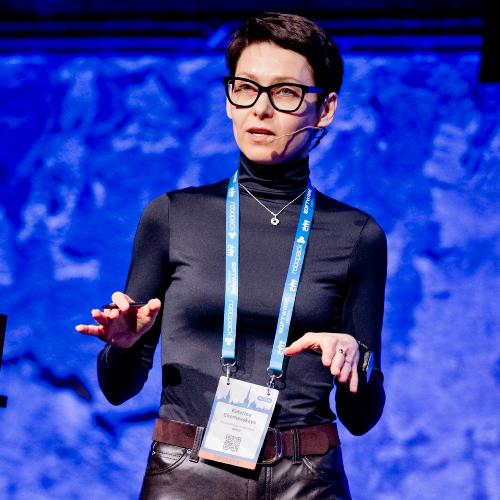
Katerina Chernevskaya
🏅 Microsoft MVP, MCT, and Power Platform Solution Architect with 20+ years in tech. 🏗️ Builds enterprise solutions with Power Platform, Copilot Studio, Microsoft Foundry, and Azure AI. 🤖 Particularly interested in the moment an AI agent stops answering questions and starts doing things - and the architecture needed to keep that under control. 🎤 Speaks internationally about AI, governance, and the messy gap between a great demo and a production system. 🧪 Mentors new tech talent and believes the best way to learn something is to build it, break it, and share what happened. 📜 Collects certifications too: Power Platform, Azure AI, Prosci, and PMI.
Katerina can deliver sessions in
Relevant industries
Connect with Katerina