Tech Lead Security
Netherlands
Session Abstract
Security controls are moving closer to where users actually work. With Edge for Business, the browser is becoming the place where you can apply Data Loss Prevention controls the moment someone interacts with a cloud app. In this session, we will take a look at how to configure Data Loss Prevention policies and Edge for Business to apply real‑time controls when users attempt to share sensitive information from the browser. We will also cover how these controls can be applied to different types of apps when configured, including managed apps, unmanaged apps, and GenAI apps. We will build on this by looking at some new security features available through the Edge for Business admin portal, such as protected clipboard, watermarking, extension governance, and unified policy management, and how they complement your DLP policies to provide even more protection from the browser. By the end, you will have a clear understanding of how to apply Purview DLP controls from Edge for Business and how this approach fits into your broader data security strategy.
Myron Helgering
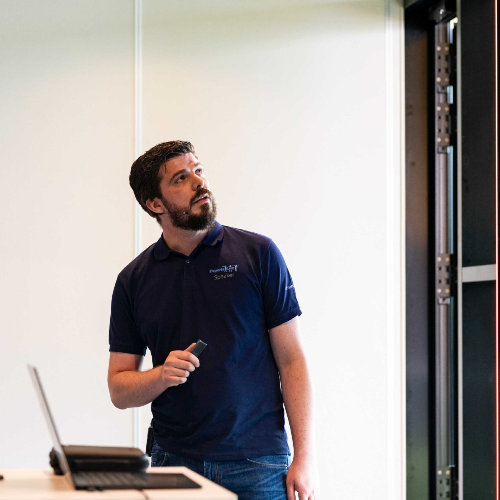
Myron works for one of the leading IT-service providers in the Netherlands called Pink Elephant. His primary focus is developing security products and services based on Microsoft technology. The unique selling point of these offerings is to make work environments safe and, more importantly, keep them safe. As a Microsoft Security MVP, he enjoys sharing his knowledge and experience with others by writing blog posts, speaking at events and conferences, and co-organizing the monthly Dutch Microsoft Security Meetup with 2000+ members. Besides Microsoft Security, he lives happily in the Netherlands with his wife. In his free time, he enjoys snowboarding and geeky activities like reading fantasy/sci-fi books or playing board games or video games.
Myron can deliver sessions in
Connect with Myron