Digital Workplace Consultant
Canada





Session Abstract
Accessibility isn’t just a compliance checkbox. It’s a strategic advantage for creating a truly inclusive digital workplace. In this hands-on session, you’ll learn how to design experiences in SharePoint that work for everyone, leveraging built-in accessibility features and Copilot-powered enhancements. We’ll explore practical techniques for creating content, workflows, and intranets that support diverse needs, from screen reader compatibility to reducing cognitive load. You’ll leave with actionable tips, real-world examples, and a clear roadmap for meeting WCAG and AODA standards while fostering a culture of inclusion. If you want your digital workplace to be accessible, future-ready, and AI-enhanced, this session is your starting point.
Richard Plantt
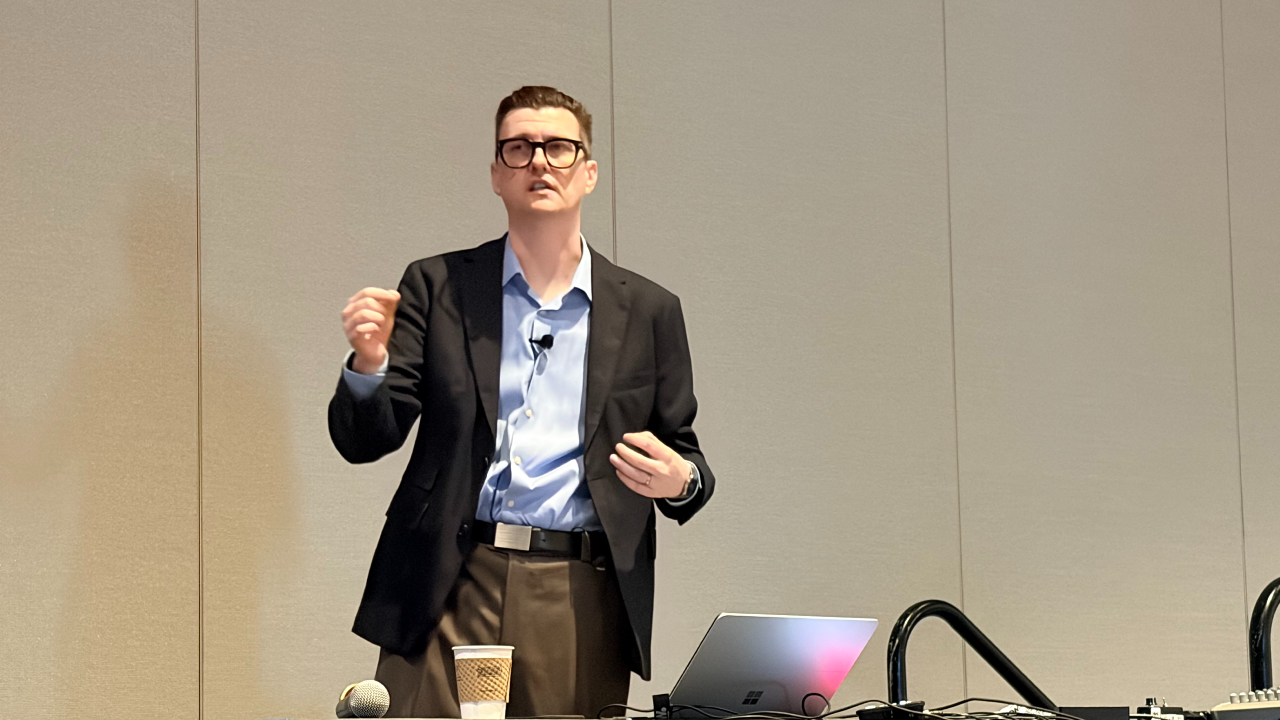
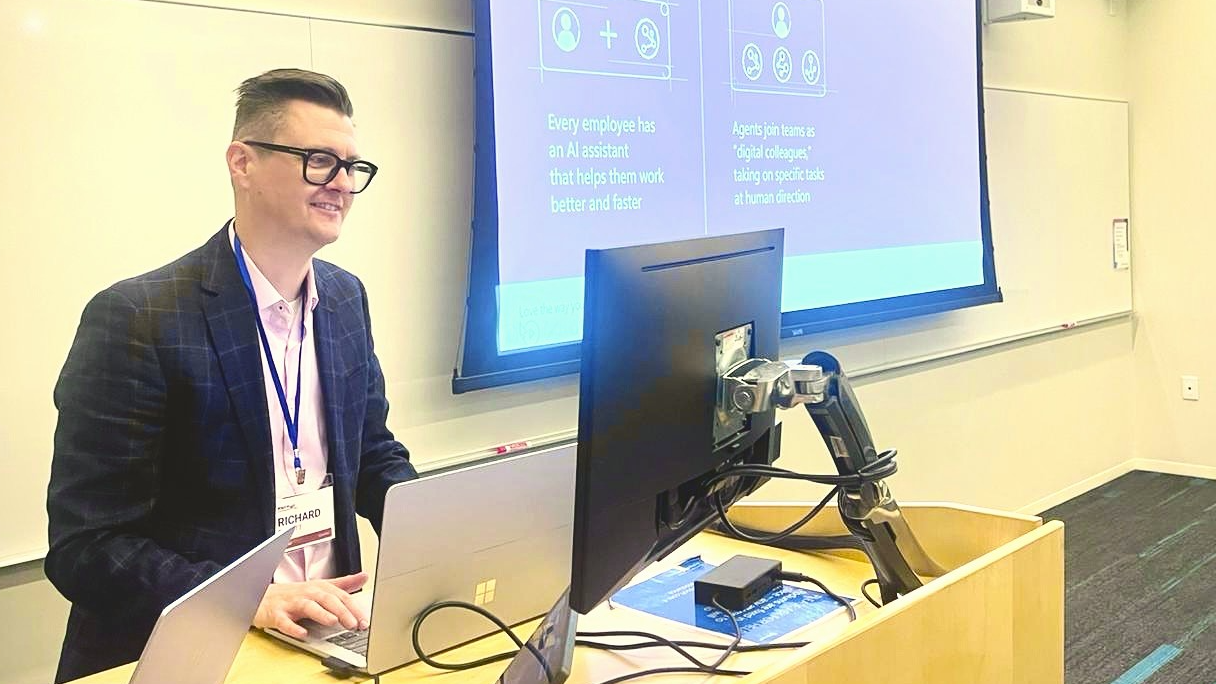
Richard Plantt is a Microsoft MVP, UX designer, consultant, and Registered Graphic Designer (RGD) who is passionate about creating digital workplaces that are as thoughtful as they are functional. Richard works at the intersection of design, technology, and employee experience, helping organisations make Microsoft 365, SharePoint, and Copilot easier to understand, use, and adopt. His approach combines UX, accessibility, visual design, and practical technology to turn complex ideas into experiences that feel simple and intuitive. As a speaker, Richard focuses on the human side of technology. His sessions explore how thoughtful design can improve digital workplaces, how AI is changing the way we create and collaborate, and how tools like SharePoint and Copilot can help people work more effectively. Whether he’s designing an intranet, experimenting with the latest Microsoft 365 capabilities, or sharing what he’s learned with the community, Richard brings curiosity, creativity, and a strong belief that great technology should work for people, not the other way around.
Richard can deliver sessions in
Richard speaks about
Relevant industries
Connect with Richard



Important links