Cloud Architect | MVP
Germany


Session Abstract
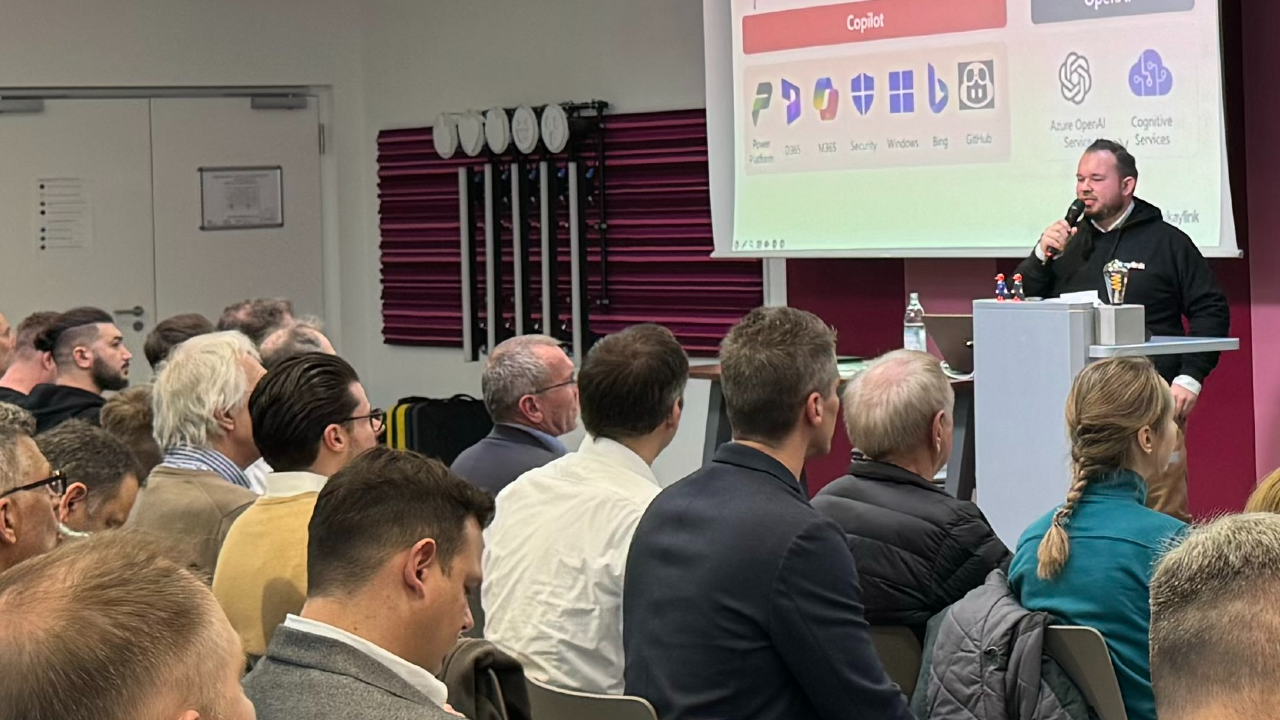
Ever wondered what’s really happening behind the scenes of Microsoft 365 Copilot? This session is your backstage pass! We’ll dive into the essential admin configurations in the Copilot Control System that make or break your Copilot experience. From controlling access to web content to managing agents and DLP policies, you’ll learn how to keep Copilot powerful, secure, and tailored for your organization. In just 50 minutes, you’ll get: - A clear roadmap of the most important admin settings - Best practices to avoid common pitfalls - A clear understand about the M365 Copilot architecture We’ll also explore what Copilot Chat Free means for all of your users, how Loop sites interact with Copilot, and the best practices for applying DLP and SharePoint controls to protect your data. On top of that, we’ll look at how to manage Copilot agents effectively, uncover the key differences between GPT and Anthropic models in Copilot and why using Bing for web searches is still a difficult topic for European customer, so you understand what’s really powering your AI assistant. Plus, we’ll sprinkle in the latest updates and tips so you leave ready to take control. This isn’t just for admins! It’s for anyone who wants to make Copilot work smarter for their organization. Bring your questions and let’s make this session interactive!
Note to event organizers
Always updated with the latest and coolest controls
Daniel Rohregger
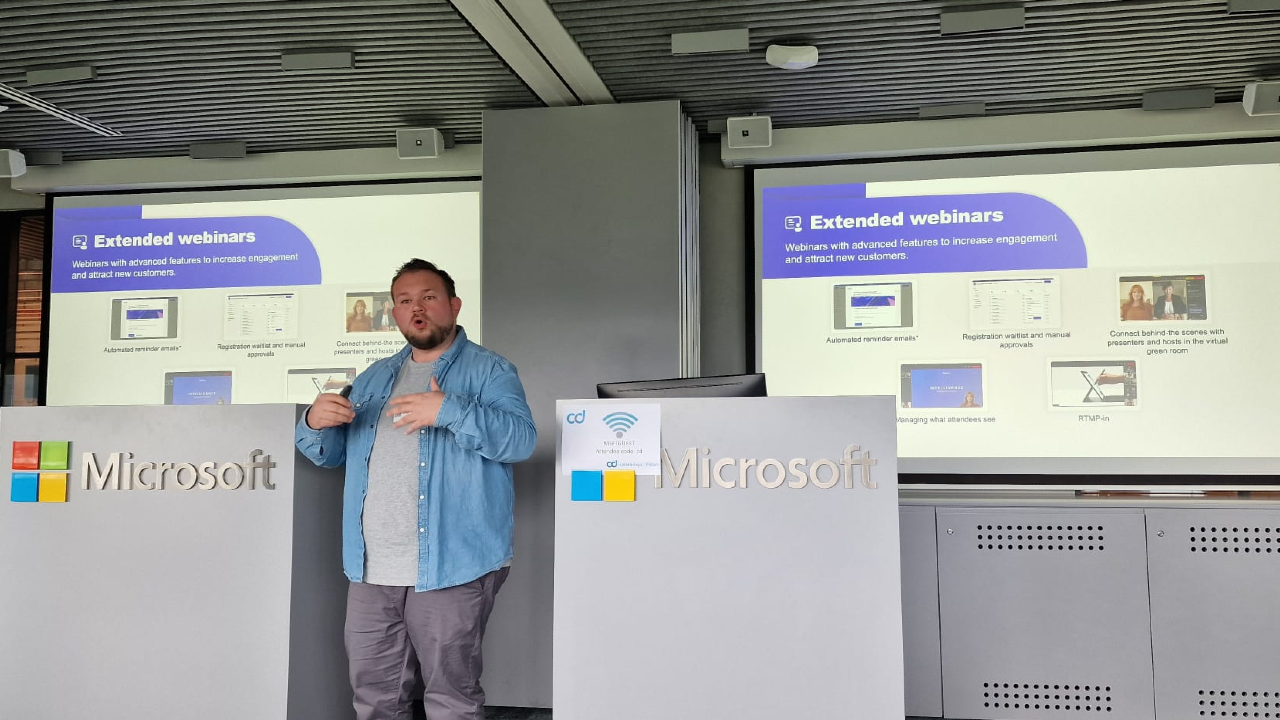
Hi, I'm Daniel from Germany - a dual Microsoft 365 Copilot & Copilot Studio MVP. Professionally I'm a AI Cloud Architect at glueckkanja AG, while in my spare time I'm hosting my own podcast called 365 Checkpoint, speaking at Keynotes or help others as Copilot Coach & Trainer at Copilot Coaching to develop their skills. My goal: Help organizations and people worldwide, to understand, use and work Copilot & Agents on a day-to-day bases. Keynote Speaker, Podcast Host of 365Checkpoint
Daniel can deliver sessions in
Daniel speaks about
Relevant industries
Connect with Daniel


Important links