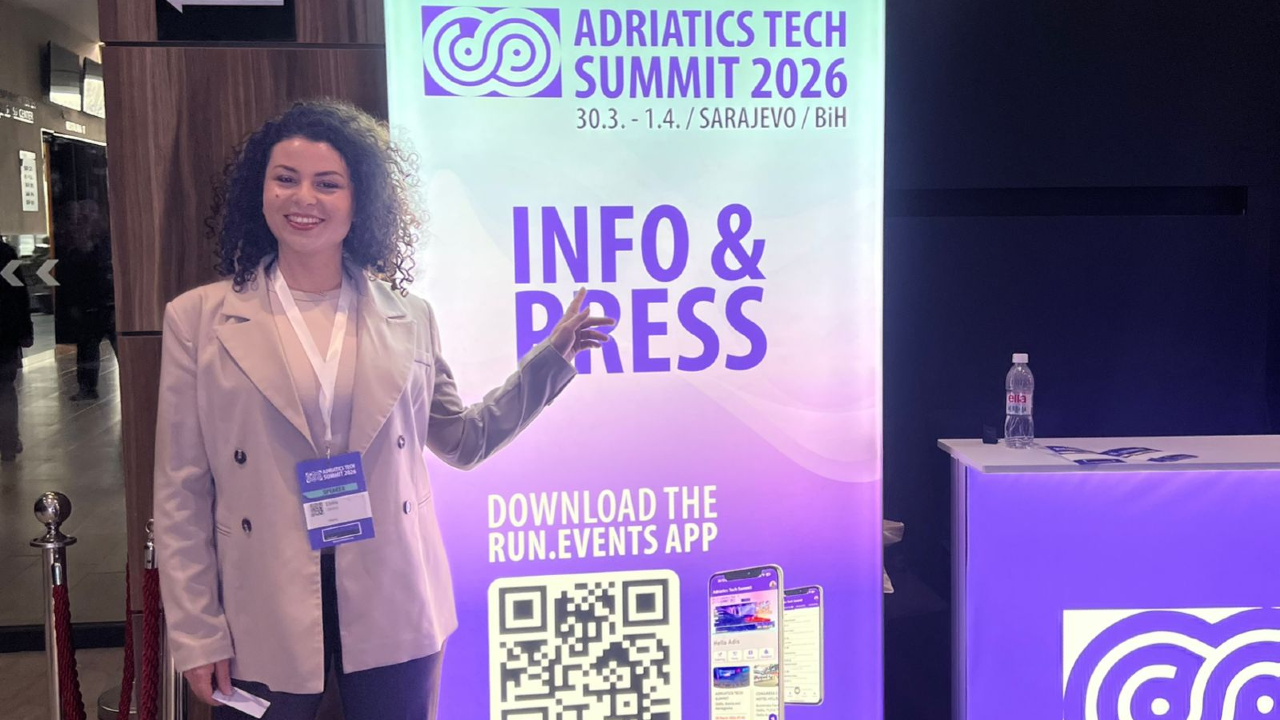
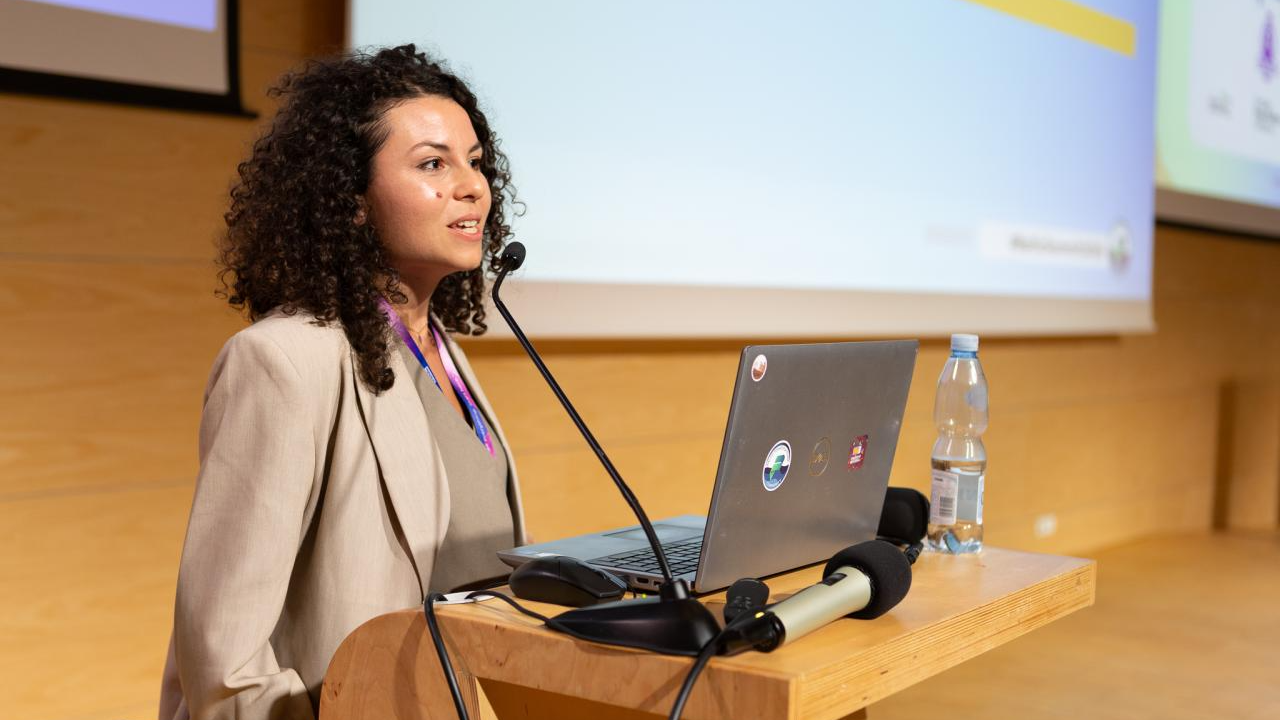
Power platform Developer
Albania

Build, Automate, Empower, Repeat
I’m drawn to complexity, I love untangling it and turning it into something clear, structured, and effortless. Through smart automation and Power Platform solutions, I build systems that just flow. I love connecting with people, exchanging knowledge, and staying open to new ideas and growth.

Meet Elvira next at
Adriatic Tech Summit 2027
05/04/2027
Power Pages development is evolving fast, and the way we build portals needs to evolve with it. In this practical, demo-driven session, you’ll see how Visual Studio Code (desktop and web) and GitHub Copilot can dramatically improve the way you design, build, and extend Power Pages portals. We’ll show how modern makers and developers are breaking through the limitations of Design Studio and moving beyond the browser-only experience, adopting workflows that are waaaay faster, cleaner, and far more scalable. You’ll learn how to: Use VS Code as a first-class Power Pages development environment Accelerate everyday tasks with AI-assisted code generation using GitHub Copilot (preview) Leverage @powerpages in Copilot Chat to get portal-aware suggestions that actually understand your context We’ll go beyond pure coding and tackle one of the biggest blockers for many teams: “Where do I even start with design?” Using real examples, mockups, screenshots, and design inspiration, we’ll demonstrate how AI tools like ChatGPT can generate Power Pages–compatible, responsive layouts using Bootstrap 5 and Font Awesome, giving you a strong, production-ready starting point instead of a blank canvas. The session ties everything together with modern, end-to-end workflows that combine Power Pages, VS Code, and AI to help you build portals faster, with fewer errors, and with more confidence—whether you’re a seasoned developer or a maker stepping into customisation for the first time. You’ll leave knowing how to integrate AI into your daily development process and build portals that are not just quicker to deliver, but easier to maintain and future-ready. Attendees will learn how to: Speed up Power Pages development with AI-assisted coding and scaffolding Reduce errors and debugging time using smarter tooling and workflows Turn design inspiration (mockups, screenshots, Figma) into responsive portal layouts Work more effectively in teams using VS Code and Copilot Deliver portals faster without compromising quality, consistency, or scalability
Read moreAbstract As organizations move quickly to adopt Microsoft Copilot, many discover that the real challenge is not AI itself, but the state of their data. Copilot works across the information users already have access to, which means unclear ownership, oversharing, and unclassified content can immediately become business and compliance risks. In this session, we present a realistic business case that shows how an organization prepared its Microsoft 365 environment for Copilot by using Microsoft Purview as the foundation for governance. We walk through the key steps taken to understand data exposure, introduce meaningful classification and protection, reduce the risk of data leakage, and establish a governance model that scales as Copilot adoption grows. Attendees will gain practical insights into what actually needs to be done before enabling Copilot - including where organizations often underestimate effort, what can be automated, and how to balance productivity with control. This session is designed for leaders and practitioners who want to move beyond theory and leave with a clear, actionable approach to enabling Copilot safely and confidently.
Read moreAlright, so this session is basically everything I wish someone had told me before I shipped solutions I'm not proud of. We're going to talk about the real stuff , the decisions that felt totally fine at the time and then completely fell apart in production. Skipping ALM because "it's just a small project." Picking the wrong connector and only finding out it's a problem six months later. Building components that made sense to me but nobody else could maintain or understand. I've made these mistakes. I've learned from them the hard way. And that's exactly what this session is about. We'll go through ALM, not the Microsoft docs version, but how to actually think about environments, pipelines, and source control in a way that makes your life easier, not harder. We'll talk about connectors, when standard is fine, when you need premium, and how that one choice can haunt your whole solution. And we'll get into components ,what reusable actually means, how to structure them so they scale, and why copy-pasting across 40 apps is not a strategy. If you build on Power Platform , whether you're just getting started or you've been doing this for years ,you're going to leave with things you can use immediately. Let's get into it.
Read more"The app is loading slow, and the client is not happy" This is a common situation many Power Apps developers face in real-world projects. What starts as a working solution can gradually become slower as data grows, features are added, and design decisions evolve. Performance issues are often not caused by a single mistake, but by a combination of factors related to data handling, app structure, and how components interact. In this session, we’ll explore the most common reasons Power Apps solutions become slow in practice. Using real-world scenarios, we’ll look at issues such as inefficient data loading, non-delegable queries, excessive use of controls, repeated data calls, and complex formulas embedded in the UI. Rather than focusing only on theory, this session will demonstrate how to identify performance bottlenecks and apply practical techniques to improve responsiveness. We’ll also discuss how tools like Power Apps Monitor can help pinpoint issues, and how better design decisions early on can prevent performance problems later. By the end of the session, attendees will have a clearer understanding of what causes performance issues in Power Apps and how to design and optimize solutions that deliver a faster, smoother user experience in real-world environments.
Read moreThe conversation in most organizations right now sounds something like this: "We need to start using Copilot." "Great. Who's setting it up?" "...good question." Copilot is exciting. The demos are impressive. The productivity gains are real. But there's a version of this rollout that goes smoothly - and a version that creates security gaps, confused users, uncontrolled data access, and a governance mess that takes months to untangle. The difference between those two versions isn't budget or timing. It's preparation. Before your organization turns Copilot on, there are conversations that need to happen, decisions that need to be made, and foundations that need to be in place. Not because Microsoft says so - but because we've seen what happens when they're skipped. In this session, we walk you through exactly what to set up before you flip the switch. Who needs access and who doesn't - and why that decision matters more than you think. How your data landscape needs to look before Copilot starts reading it. What policies, guardrails, and logging to have in place from day one. How to bring your developers, admins, and leadership into the same conversation before you're all speaking different languages. This isn't about slowing down your Copilot journey. It's about making sure that when you start, you start right - with clarity, confidence, and a foundation built to grow. Because turning Copilot on is easy. Cleaning up what happens when you weren't ready? That's the hard part. Let's make sure you never find out.
Read moreElvira can deliver sessions in
Elvira speaks about
Relevant industries
Connect with Elvira