Power platform Developer
Albania

Build, Automate, Empower, Repeat
I’m drawn to complexity, I love untangling it and turning it into something clear, structured, and effortless. Through smart automation and Power Platform solutions, I build systems that just flow. I love connecting with people, exchanging knowledge, and staying open to new ideas and growth.

Meet Elvira next at
Adriatic Tech Summit 2027
05/04/2027
Current Sessions Delivered by Elvira
Power Pages development is evolving fast, and the way we build portals needs to evolve with it. In this practical, demo-driven session, you’ll see how Visual Studio Code (desktop and web) and GitHub Copilot can dramatically improve the way you design, build, and extend Power Pages portals. We’ll show how modern makers and developers are breaking through the limitations of Design Studio and moving beyond the browser-only experience, adopting workflows that are waaaay faster, cleaner, and far more scalable. You’ll learn how to: Use VS Code as a first-class Power Pages development environment Accelerate everyday tasks with AI-assisted code generation using GitHub Copilot (preview) Leverage @powerpages in Copilot Chat to get portal-aware suggestions that actually understand your context We’ll go beyond pure coding and tackle one of the biggest blockers for many teams: “Where do I even start with design?” Using real examples, mockups, screenshots, and design inspiration, we’ll demonstrate how AI tools like ChatGPT can generate Power Pages–compatible, responsive layouts using Bootstrap 5 and Font Awesome, giving you a strong, production-ready starting point instead of a blank canvas. The session ties everything together with modern, end-to-end workflows that combine Power Pages, VS Code, and AI to help you build portals faster, with fewer errors, and with more confidence—whether you’re a seasoned developer or a maker stepping into customisation for the first time. You’ll leave knowing how to integrate AI into your daily development process and build portals that are not just quicker to deliver, but easier to maintain and future-ready. Attendees will learn how to: Speed up Power Pages development with AI-assisted coding and scaffolding Reduce errors and debugging time using smarter tooling and workflows Turn design inspiration (mockups, screenshots, Figma) into responsive portal layouts Work more effectively in teams using VS Code and Copilot Deliver portals faster without compromising quality, consistency, or scalability
Read moreAbstract As organizations move quickly to adopt Microsoft Copilot, many discover that the real challenge is not AI itself, but the state of their data. Copilot works across the information users already have access to, which means unclear ownership, oversharing, and unclassified content can immediately become business and compliance risks. In this session, we present a realistic business case that shows how an organization prepared its Microsoft 365 environment for Copilot by using Microsoft Purview as the foundation for governance. We walk through the key steps taken to understand data exposure, introduce meaningful classification and protection, reduce the risk of data leakage, and establish a governance model that scales as Copilot adoption grows. Attendees will gain practical insights into what actually needs to be done before enabling Copilot - including where organizations often underestimate effort, what can be automated, and how to balance productivity with control. This session is designed for leaders and practitioners who want to move beyond theory and leave with a clear, actionable approach to enabling Copilot safely and confidently.
Read moreElvira can deliver sessions in
Elvira speaks about
Relevant industries
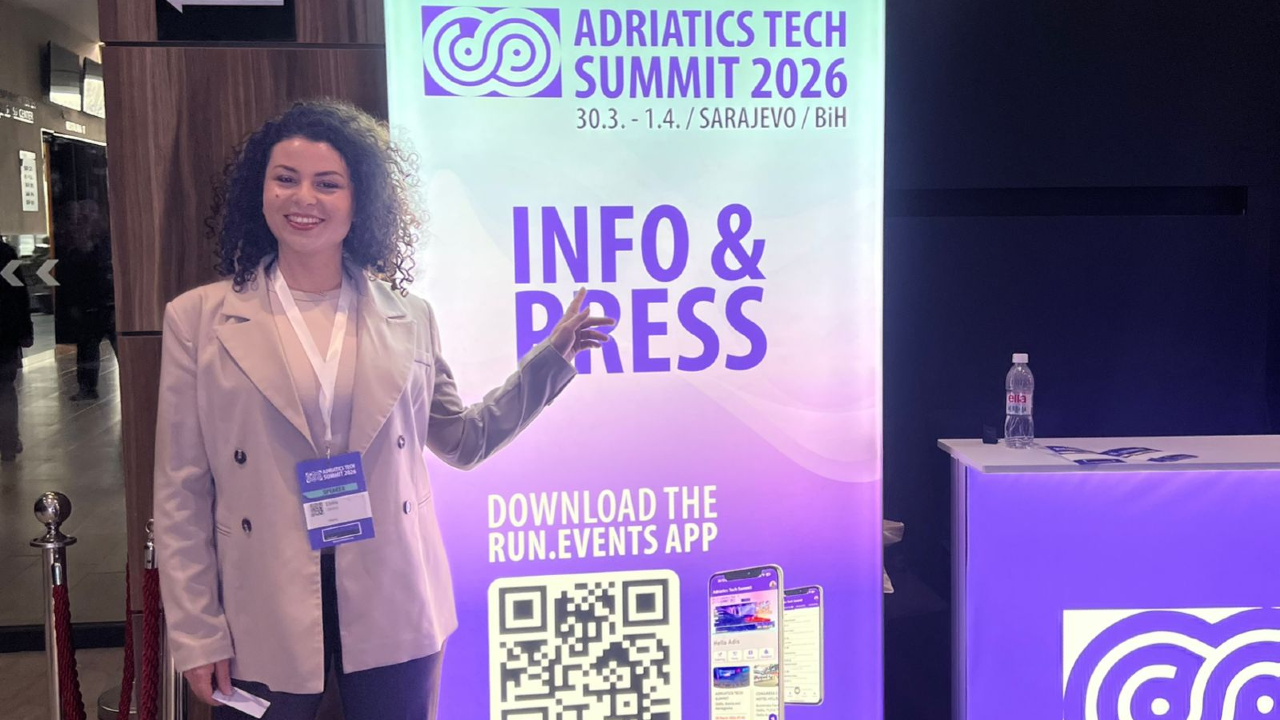
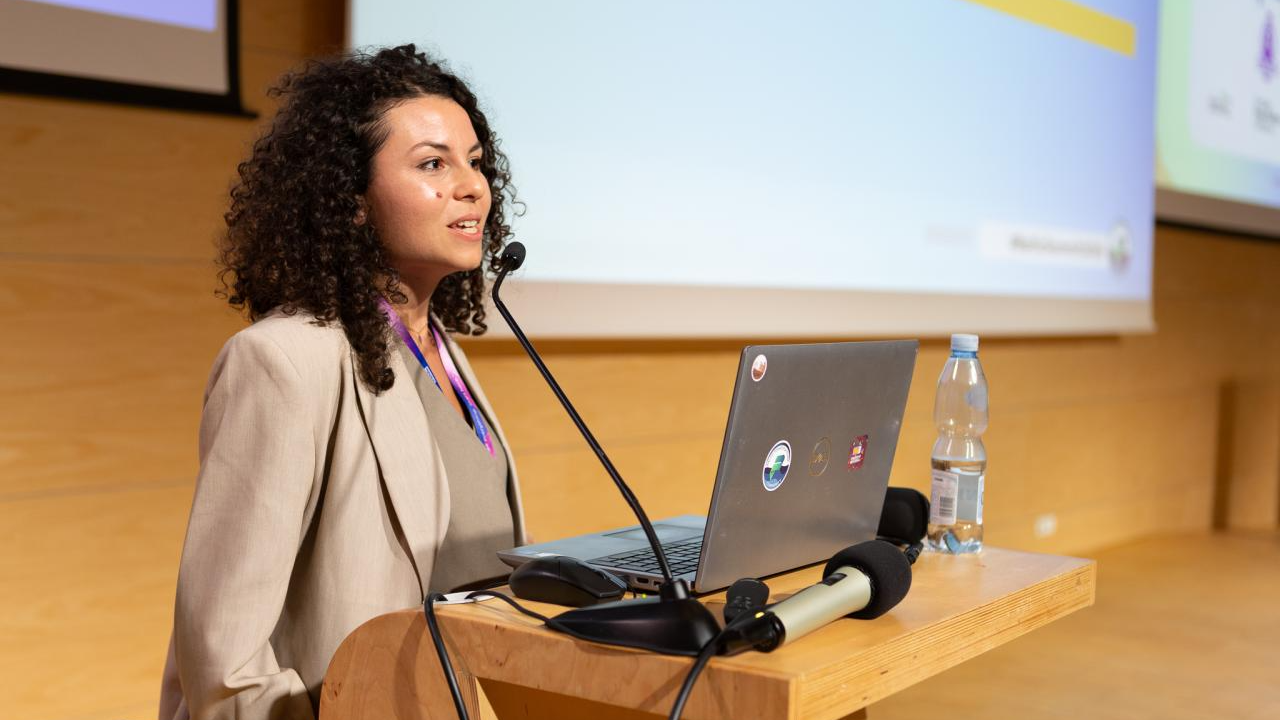
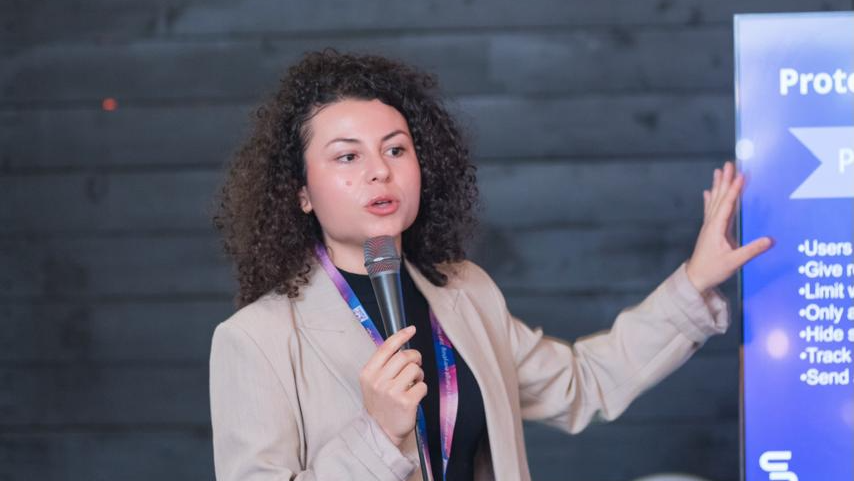
Connect with Elvira

Where to Catch Elvira Next
Adriatic Tech Summit 2027
I'm a Power Platform Developer. Here's What I Actually Needed Foundry For.
05/04/2027
Congress Center Hotel Hills
Ilidža, Bosnia and Herzegovina
A Look Back at Past Speaking Engagements
Baltic Summit 2026
I broke it so you don't have to, surviving Power Platform at scale
24/09/2026
Pomorski Park Naukowo-Technologiczny Gdynia
Gdynia, Poland
CollabDays Hamburg 2026
Real-Time Portals: Unlocking Dataverse with JavaScript in Power Pages
27/06/2026
Ahfs
Hamburg, Germany
CollabDays Poland 2026
Microsoft Foundry: Make AI Work for Your Business
11/06/2026
Microsoft Polska
Warszawa, Poland

DynamicsMinds 2026
Ready for Copilot? Start with Governance
25/05/2026
Grand Hotel Bernardin
Portoroz, Slovenia
DynamicsMinds 2026
Supercharge Your Power Pages: VS Code + Copilot in Action
25/05/2026
Grand Hotel Bernardin
Portoroz, Slovenia
Adriatics Tech Summit
Fast & Curious: Deep Dive into Power Automate
30/03/2026
Congress Center Hotel Hills
Ilidža, Bosnia and Herzegovina
Baltic Summit 2025
The Secret Life of a Flow: Behind the Scenes of Enterprise Automation
12/09/2025
Pomorski Park Naukowo-Technologiczny Gdynia
Gdynia, Poland